Getting Started
The library comes with two out-of-the-box interfaces:
1. Graphical User Interface
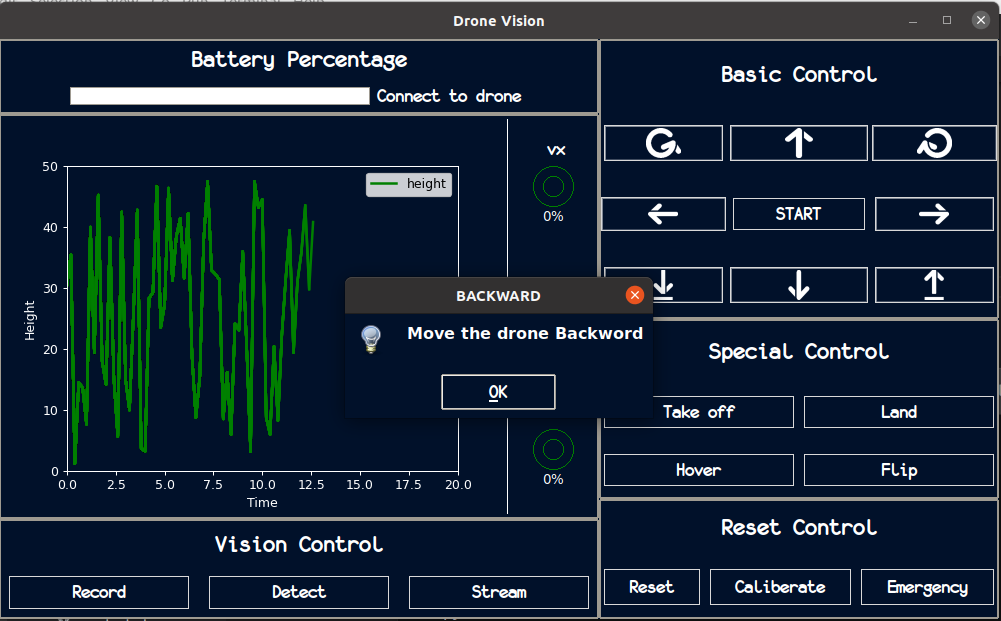
You can simply run the GUI interface as follows, which opens-up the GUI window under the name Drone Vis:
(.dronevisvenv) $ dronevis-gui

You can right-click on any button to view its functionality. For example, here this info concerning the backwards button (represented by a downwards arrow):
1. Command-Line Interface
If you are not a GUI fan, you can use the command-line to run library and connect to the drone by specifying some command-line arguments.
(.dronevisvenv) $ dronevis
Note
The library is built with default configurations, however, you can change those configurations by incorporating your own .config files.